Your bookmarks.
Nobody's business.
SafeMark locks your bookmark vault behind AES-256-GCM encryption. No server. No account. No telemetry. Only you hold the key.
Snoop through the storage.
See nothing.
Most "private" extensions just hide the list. SafeMark encrypts every byte. Here's what anyone with file access actually finds:
✕ Ordinary extension
The whole vault, in the clear — one read and it's gone"smBookmarks": [
{ "title": "City Bank — Savings",
"url": "https://citybank…/account/9941",
"added": 1729847 },
{ "title": "Ex dating thread",
"url": "https://reddit.com/r/…" }
]
✓ SafeMark
Ciphertext only — mathematically useless without your password"smMeta": { "iv": "a3F9…", "rev": 7, "parts": 4 }
"smHash": "tude9lejfKy7EX8lCz…"
"smVault0":"8kDXqzWf2nTvM0ytBv…"
"smVault1":"J6rQeYwNp1aGhLxIo…"
Built like the data matters.
Because it does.
Sealed before it touches disk
600,000-iteration PBKDF2-SHA256 key stretching. AES-256-GCM encryption. Exponential backoff lockout.
The key stays in your head
Nothing to recover, nothing to leak. The AES key is derived fresh, non-extractable, lives in memory briefly.
Encrypted sync, done right
Mirrors through Chrome/Brave Sync as ciphertext chunks — merge across devices without ever exposing entries.
Docked side panel
Opens pinned to the right of your browser window. One click to seal the page you're reading. Always accessible.
Never locked in
Export your vault to standard Netscape bookmark HTML — importable back into Chrome, Brave, or any browser.
Open source, auditable
Every line of crypto and sync lives in a public repo. No obfuscation, no black box, no "trust us."
Install in 60 seconds.
Chrome, Brave, Edge, and any Chromium browser. Straight from GitHub — no store queue.
Open extensions
Type chrome://extensions or brave://extensions and enable Developer mode.
Load unpacked
Click Load unpacked and select the unzipped SafeMark folder.
Seal it shut
Pin the shield icon, click it to open the side panel, set your master password. Done.
Forget the password & the vault is gone forever.
That's not a limitation — it's the entire point. There is no back door, no email reset, no server. Only reinstalling clears an empty, locked vault. Keep your password in your head — that's where the key lives.
I understand — let's seal itSee how it looks.
Sharp, dark, minimal — designed to stay out of your way while keeping your data locked tight.
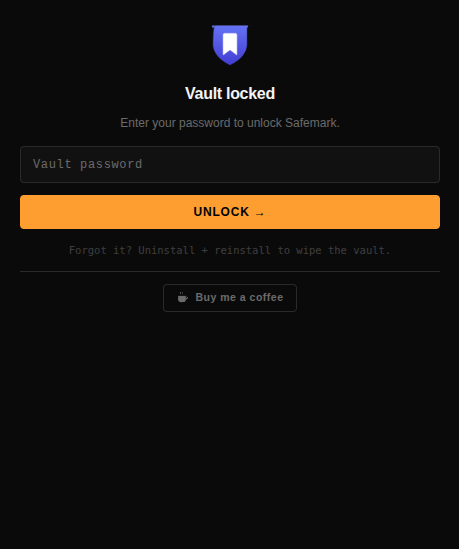
Terminal-style password gate. Monospace font, amber CTA, zero fluff.
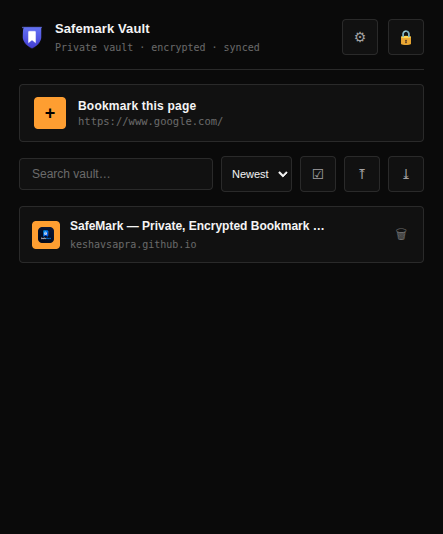
Encrypted bookmarks with sort, search, tags, and one-click save.
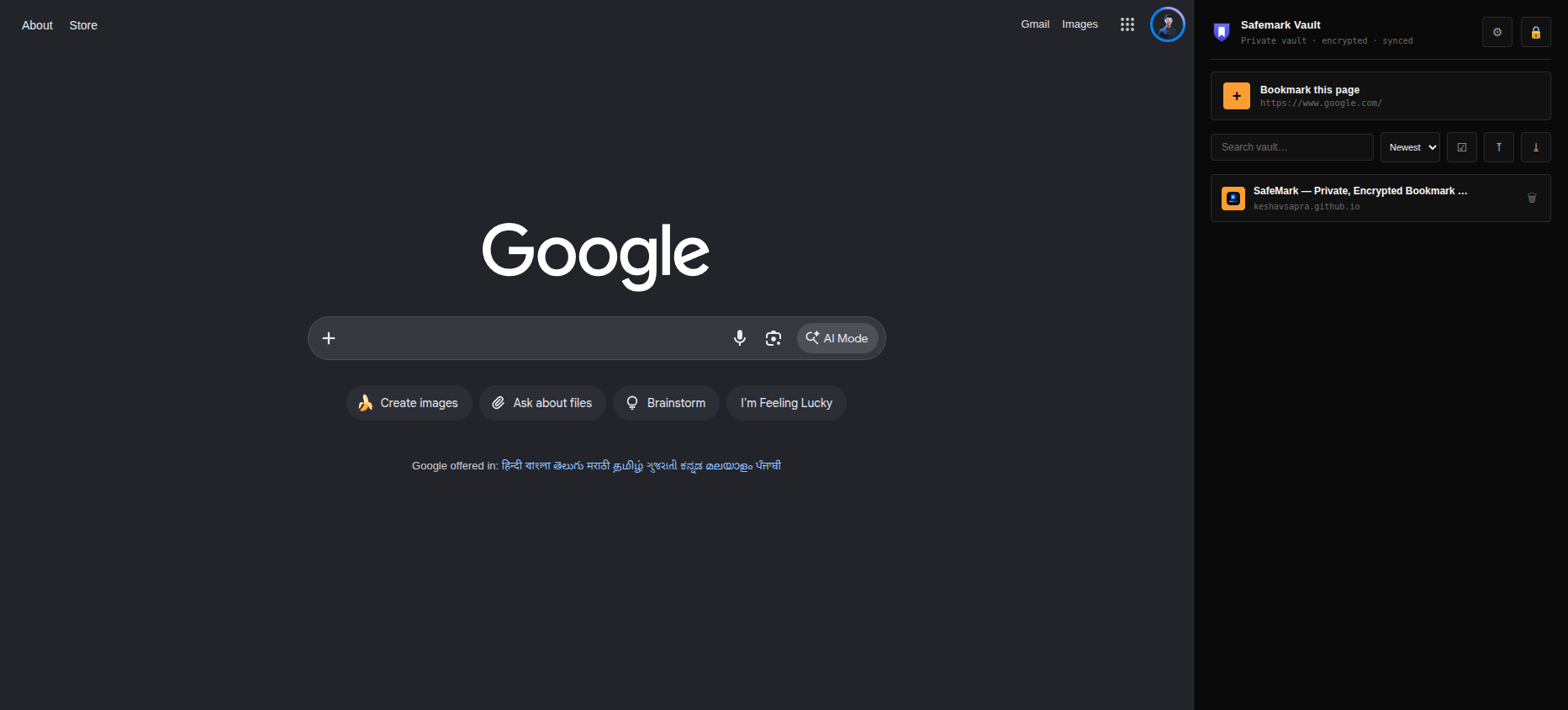
Pinned to the right of your browser window — always one click away, never in the way.